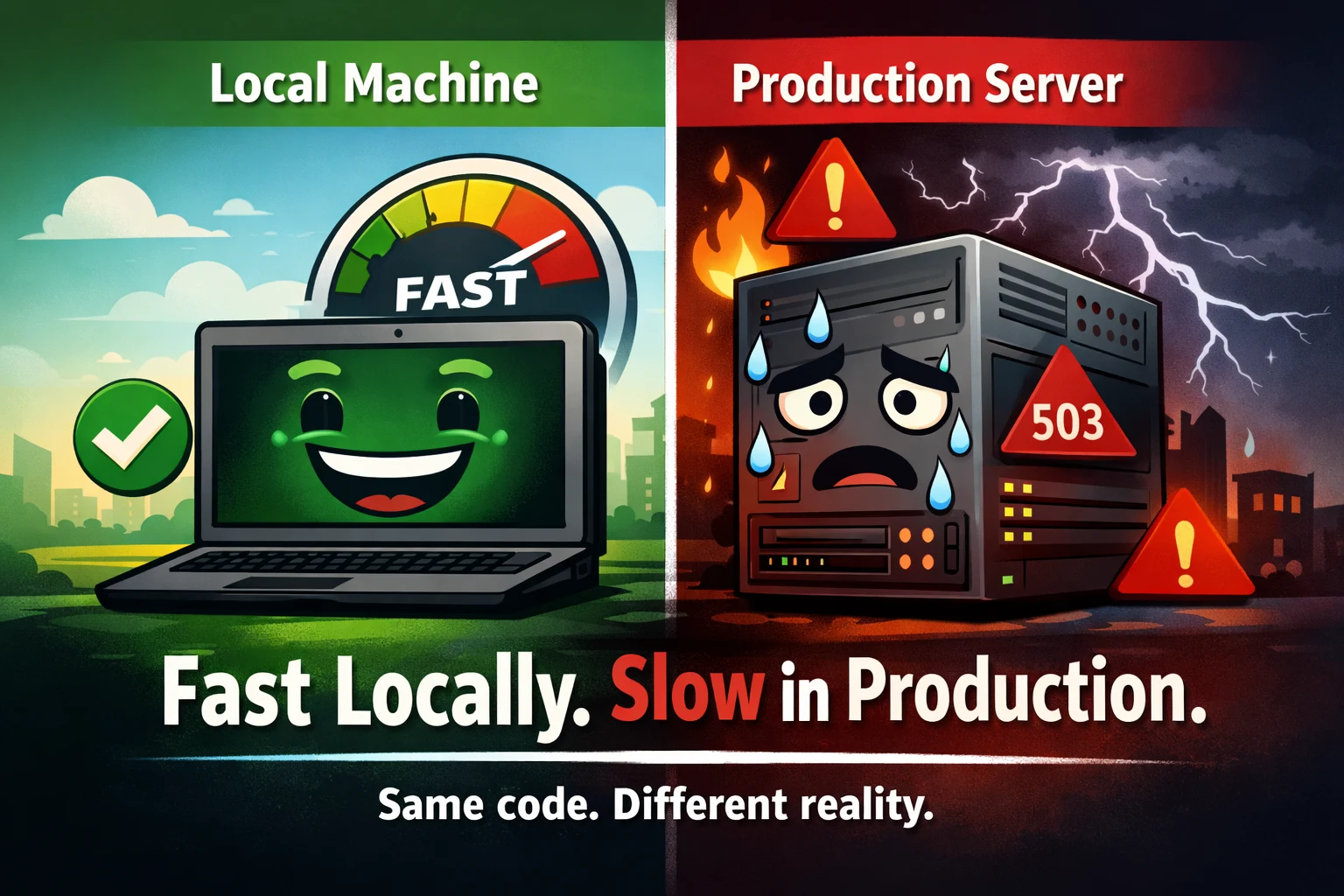
A senior engineer’s deep dive into performance illusions, real bottlenecks, and hard-earned lessons
If you’ve shipped a Node.js service to production, you’ve almost certainly had this moment:
“Everything was smooth locally. Same code. Same config. Why is production slow?”
This isn’t a Node.js problem.
It’s not a cloud problem either.
It’s a mental model problem.
Local development hides reality. Production exposes it—often brutally. This article goes deep into why that happens, what actually breaks at scale, and how experienced engineers think about performance beyond “it works on my machine”.
This isn’t theory. These are patterns that show up again and again in real systems.
The Core Illusion: Local ≠ Production
Let’s start with the uncomfortable truth:
Your local environment is optimized to make you feel productive, not to reflect reality.
When you run a Node.js app locally:
- Requests come from
localhost - CPU is mostly idle
- Disk is fast and uncontested
- Database is tiny and warm
- There is little to no concurrency
- Failures are rare or ignored
Production is the opposite:
- Requests come from real networks
- CPU is shared
- Disk I/O competes with other processes
- Databases are large, busy, and sometimes slow
- Hundreds or thousands of concurrent requests exist
- Dependencies fail in creative ways
Same code. Completely different physics.
Once you accept that, the rest starts to make sense.
Network Latency: The Tax You Never Pay Locally
Locally, everything is a function call away.
In production, everything is a network hop.
What changes:
- Database calls cross availability zones
- APIs sit behind load balancers
- TLS handshakes add overhead
- Packet loss exists
- Retries amplify delays
A 5 ms database query locally can become:
- 20 ms network latency
- 30 ms query execution
- 15 ms response serialization
Suddenly that “fast” operation is 60–80 ms.
Multiply that by:
- Multiple queries per request
- Concurrent users
- Slow tail latencies
Now your app “feels slow”.
Senior takeaway:
Latency compounds. Production reveals it. Local hides it.
Databases: Small Data Lies, Big Data Punishes
Nothing creates bigger performance gaps than databases.
Local reality:
- Hundreds of rows
- Everything fits in memory
- Queries are simple
- No contention
Production reality:
- Millions of rows
- Cold indexes
- Lock contention
- Background jobs running
- Multiple services sharing the same database
A query like:
await Order.find({ userId });
Looks innocent.
Locally it is.
In production:
- Missing index → full table scan
- Large documents → slow serialization
- Concurrent queries → queueing
This is why apps “randomly” slow down under load.
Hard lesson:
If you don’t design queries for scale, scale will design failures for you.
What actually helps:
- Index every production query path
- Track slow queries explicitly
- Test with production-sized datasets
- Avoid N+1 queries like the plague
Connection Pooling: The Invisible Production Killer
This is one of the most common Node.js failures I see.
Locally:
- One Node process
- One database connection
- Everything works
In production:
- Multiple Node processes
- Each process opens its own pool
- Database hits max connections
- Requests block
- Latency explodes
Symptoms:
- App is fast… until traffic spikes
- No obvious errors
- Restarting “fixes” it temporarily
That’s connection exhaustion.
Why it’s dangerous:
The app doesn’t crash. It just slows to a crawl.
What senior teams do:
- Explicitly configure pool sizes
- Cap max connections per instance
- Align pools with database limits
- Monitor active and waiting connections
If you don’t control pooling, pooling will control you.
The Node.js Event Loop: Death by Small Blocks
Node.js is single-threaded at its core. You already know this.
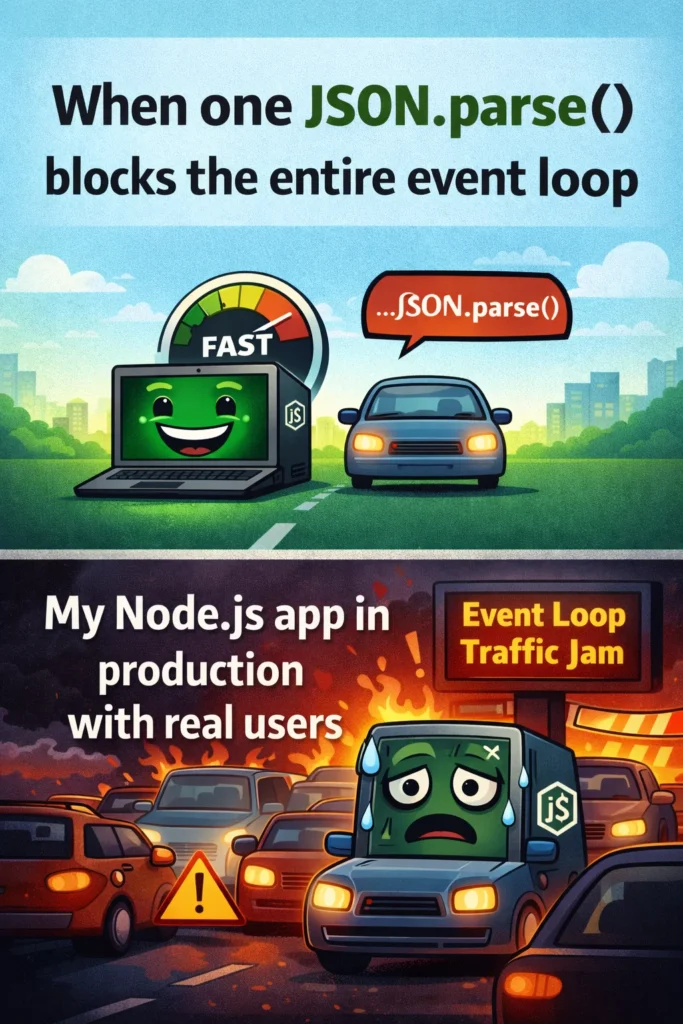
What most developers underestimate is how easy it is to block the event loop without realizing it.
Common production-only blockers:
- Parsing large JSON payloads
- Heavy logging
- Encryption / hashing on hot paths
- Synchronous filesystem calls
- Poorly written loops
Example:
JSON.parse(hugePayload);
Locally:
- One request
- Barely noticeable
In production:
- Many concurrent requests
- CPU spikes
- Event loop stalls
- Latency skyrockets
This is why:
- CPU usage looks “fine”
- Memory looks stable
- Yet responses slow down
Reality:
The event loop is congested, not broken.
Fixes that actually work:
- Offload CPU-heavy work to workers
- Stream large payloads
- Measure event loop lag
- Avoid sync operations in request paths
Timeouts: The Feature Everyone Forgets
Local systems forgive missing timeouts.
Production systems punish them.
Without timeouts:
- API calls wait forever
- Database queries hang
- Requests pile up
- Node keeps sockets open
- Memory pressure increases
Eventually, everything slows down—even healthy requests.
This is known as resource starvation.
Senior rule:
Every external call must have a timeout. No exceptions.
That includes:
- HTTP clients
- Database queries
- Message brokers
- Internal services
Timeouts are not pessimism.
They are how you keep systems alive under stress.
Logging: When Observability Becomes the Bottleneck
Logging feels harmless in development.
In production, it can be devastating.
Why:
- Console logging is synchronous
- Log aggregation adds latency
- Large payloads are expensive
- High traffic multiplies everything
This line:
console.log(req.body);
Can cost more than your database query under load.
What experienced teams do:
- Use async loggers
- Avoid logging request bodies by default
- Log intent, not raw data
- Sample logs at high traffic
Observability should help you debug, not create new outages.
Scaling Myths: More Servers ≠ Faster App
One of the most painful realizations:
Horizontal scaling does not fix bad architecture.
If your bottleneck is:
- A single database
- A shared Redis instance
- A rate-limited third-party API
Adding more Node instances:
- Increases contention
- Amplifies failures
- Makes things slower
This is why systems sometimes degrade after scaling.
Real scaling requires:
- Identifying the bottleneck
- Removing shared choke points
- Adding backpressure
- Protecting dependencies
Scaling without understanding throughput is how outages happen.
Caching: Why It Works Locally but Fails in Production
Local caches are warm and uncontested.
Production caches:
- Evict under memory pressure
- Experience stampedes
- Suffer from race conditions
- Get thrashed by uneven traffic
Common mistakes:
- No TTL strategy
- Cache-aside without locks
- Blind cache invalidation
- Over-caching large objects
Caching is powerful, but fragile.
Rule of thumb:
Cache failure should degrade performance—not break correctness.
Load Testing: The Missing Reality Check
Most teams test correctness, not behavior.
Local testing:
- One user
- Clean startup
- No failures
Production:
- Traffic bursts
- Slow dependencies
- Partial outages
- Cold starts
If you’ve never tested:
- Slow database responses
- API timeouts
- Cache evictions
- Dependency failures
Then production will test them for you.
Senior mindset:
Assume things will fail. Design so they fail gracefully.
Mental Models That Actually Help
Here’s how experienced engineers think about Node.js performance:
- Latency compounds
- Concurrency exposes flaws
- Small inefficiencies multiply
- Failures are normal
- Timeouts are mandatory
- Observability has a cost
- Scaling amplifies design decisions
Local speed is a confidence boost.
Production speed is a design achievement.
Final Thoughts
Your Node.js app didn’t “get slow” in production.
It encountered:
- Real traffic
- Real data
- Real networks
- Real failures
Local environments lie by omission.
Production tells the whole truth.
If you want predictable performance:
- Design for latency
- Respect the event loop
- Control connections
- Set timeouts everywhere
- Measure before you scale
This is the difference between code that runs and systems that survive.